
Settings
Settings include General, Rendering Display, Authorization Activation, Update, About, and User+ (the Improvement Program).
Preferences
Configure the base interaction environment, units, and point cloud rendering.
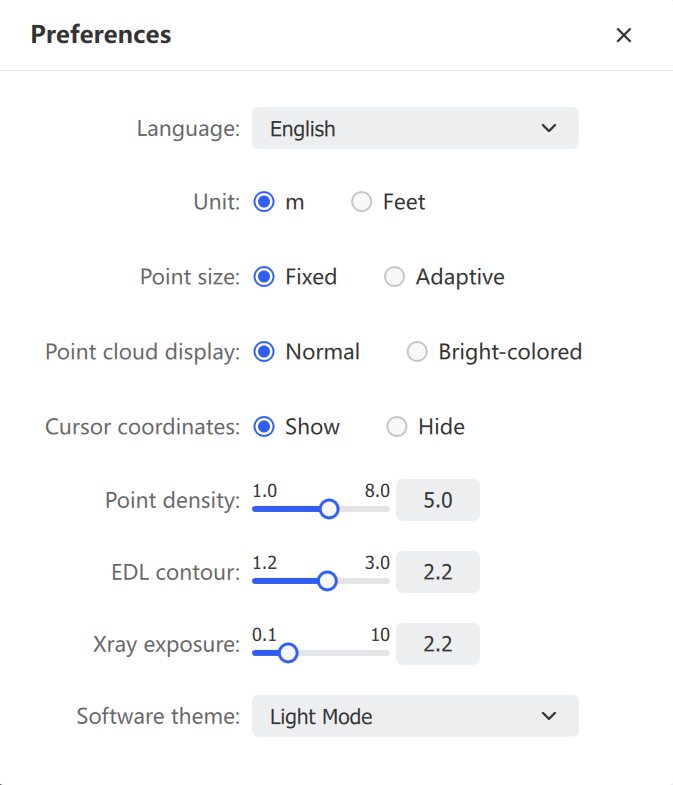
| Setting | Description |
|---|---|
| Language | Simplified Chinese, Traditional Chinese, English, Italian, German. Restart required |
| Unit | Meter or Foot. Measurement values and the scale bar update accordingly |
| Point Size | Fixed — constant pixel size regardless of zoom. Adaptive — scales with viewing distance |
| Point Cloud Display | Normal — standard color rendering. Vivid — higher saturation and contrast for distinguishing subtle features |
| Point Density | Slider controls the displayed thinning ratio |
| EDL Contour | Eye-Dome Lighting strength; higher values enhance edge shading |
| Xray Exposure | Adjusts Xray transparency and exposure gain |
| Software Theme | Light Mode or Dark Mode |
Help and Support
Access the Improvement Program, Open Log Path, Check for Updates, and About LixelStudio.
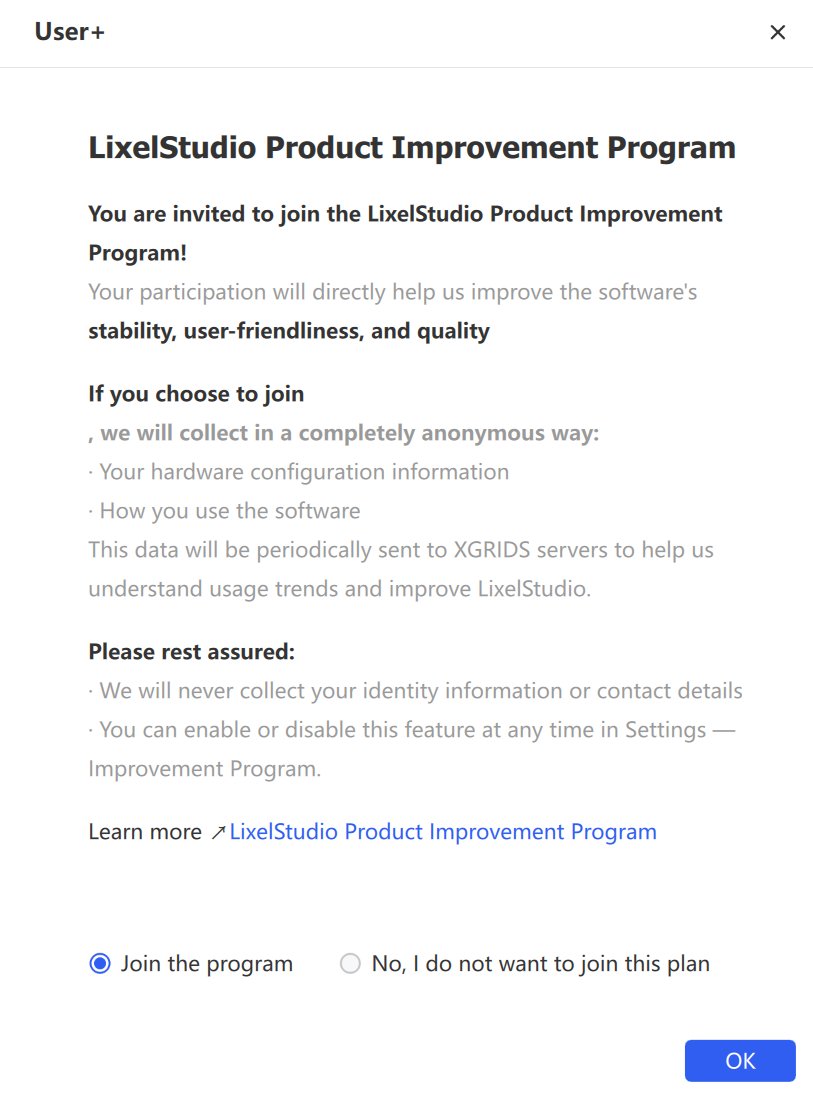
Improvement Program
Collects information about software usage and encountered problems to help identify user behavior patterns for product planning and improvement. Participation is voluntary.
Open Log Path
Locates the system log files generated during software operation. These files record startup status, task execution, error messages, and crash causes — the core reference for troubleshooting and technical support.
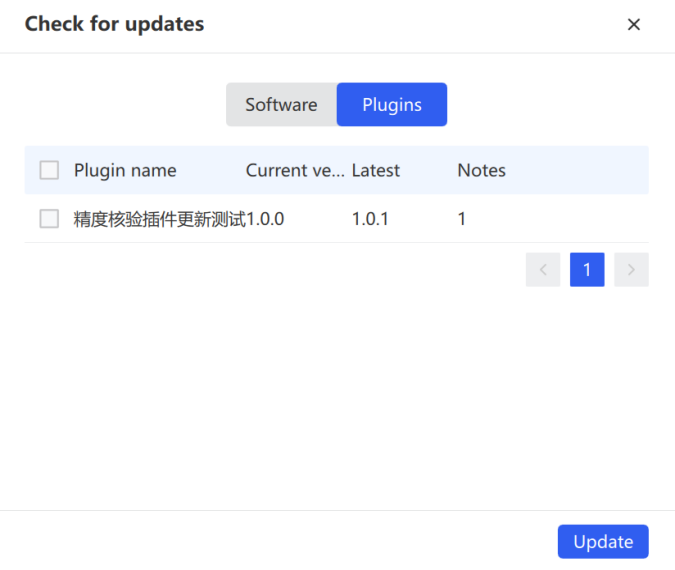
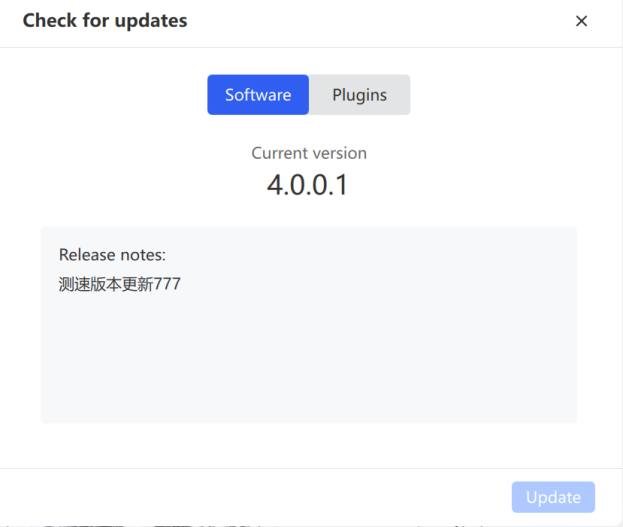
Check for Updates
Manages the lifecycle of the software and its plugins.
About LixelStudio
Displays the current version number. Click the available links to open Version Notes, Privacy Policy, and Terms of Service.